MonoFrame
Send photos to your e-ink picture frame.
Crisp black & white. No account. No subscription.
Living art on e-paper
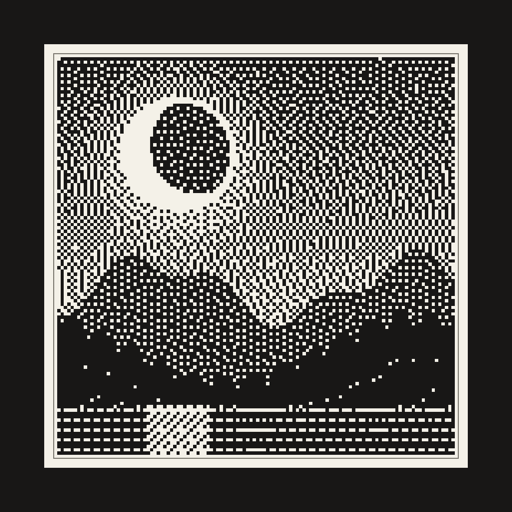
Ordinary photos look muddy on monochrome e-ink displays. MonoFrame converts every picture with Floyd–Steinberg dithering tuned for the display's exact canvas, so your photos come out sharp and striking — like a tiny gallery print that changes whenever you want.
Send from anywhere
Pick a photo, tap Send. Your frame picks it up over WiFi on its next wake — you don't need to be home.
Weeks of battery
The frame wakes briefly, checks for a new photo, and goes back to deep sleep. E-paper holds the image with zero power.
Multiple frames
Pair every frame in the house and send to one — or all of them at once.
Private by design
Each frame gets its own secret token. No account, no email, nobody else sees your photos.
How it works
- Flash once. Plug the frame into your computer and flash the free, open-source firmware — the step-by-step guide takes a couple of minutes. After that, updates arrive wirelessly through the app.
- Pair in the app. The guided setup connects the frame to your WiFi in about a minute.
- Send photos. Preview the black & white conversion, tap Send, and the frame updates itself.
No frame yet? The app has a built-in demo frame so you can try the whole experience first.
Works with
- Elecrow CrowPanel ESP32-S3 4.2″ e-paper display (400 × 300)
- Elecrow CrowPanel ESP32-S3 5.79″ e-paper display (792 × 272)
- Seeed reTerminal E1001 7.5″ monochrome ePaper terminal (800 × 480)
Affordable, off-the-shelf e-ink devices. Flash one with MonoFrame's open firmware and it becomes a WiFi picture frame — pair as many as you like and send to them all at once. Want another frame supported? Request it on GitHub.